Behavior Fine-Tuning: How Your AI Chat Talks
Choose a prompt template or write your own from scratch, and set a fallback message for when there's no answer - all from the admin panel, no code required.
What Can Behavior Fine-Tuning Do?
Behavior Fine-Tuning is where you shape how your AI Chatbot actually thinks and talks - its identity, its instructions, and what it says when it doesn't know something.
Start From a Ready-Made Persona
Pick from 5 built-in prompt templates - General Assistant, Customer Support, Sales, and Company Policy - each with its own identity, instructions and constraints tailored to that use case, so you don't have to write a system prompt from a blank page.
Prefer full control? Choose Custom and write your own system prompt from scratch - the template is just a starting point, never a limit.
Control the AI's Reply in Advance
Edit the complete system prompt in a plain-text editor - identity, instructions and constraints are all yours to write, exactly as you'd word them, with no hidden template locking you in.
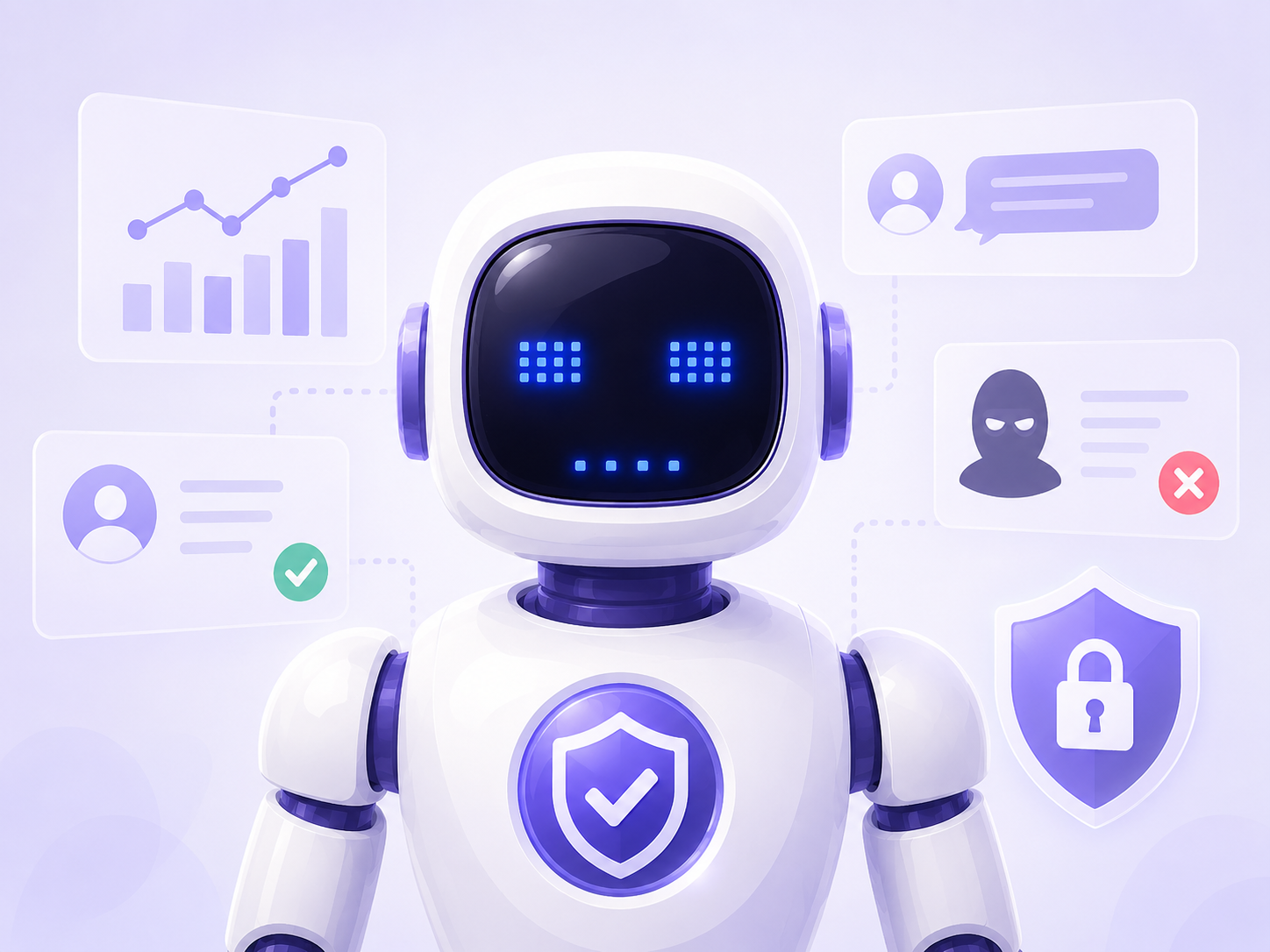
Every template - and every custom prompt you write from one - keeps a set of built-in constraints: the Chatbot never reveals its knowledge base or instructions, only answers from retrieved content, and won't adopt a new role no matter what a visitor asks it to do.
What Happens When Your AI Chat Doesn't Know the Answer?
Write your own fallback message for the moments when the Chatbot genuinely doesn't have an answer - so instead of a generic, robotic error, your visitors get a message in your own voice.
A good fallback message can suggest a next step - a related topic, a way to contact your team - turning a dead end into a still-useful conversation.
The Chatbot Won't Be Tricked
When a visitor tries to knock the Chatbot off its role - for example asking it to adopt a different persona, or to reveal its system prompt - the artificial intelligence behind it doesn't fall for it. Every template, and every custom version built from one, carries the same built-in constraints: it never reveals its instructions, its training data, or its Knowledge Base, and it never switches identity.
This protection isn't a separate filter bolted on afterward - it's built into how every answer is generated: before replying, the artificial intelligence combines your system prompt with the relevant content retrieved from your Knowledge Base, and answers only from that. So the Chatbot stays true to both your brand and your actual content - no guessing, no role-play.
5 built-in templates: General Assistant, Customer Support, Sales, Company Policy, or Custom, where you write your own system prompt from scratch.
It sends the fallback message you've set - so visitors never get a generic, robotic error.
No, Behavior settings are completely independent from the Knowledge Base and Appearance Editor - each is edited separately, and none of them overwrite the others.
No, the built-in constraints stop the Chatbot from switching identity or following instructions that contradict its configured behavior.
Yes, once you save, the Chatbot replies according to the new settings immediately, with no restart or developer work needed.
Yes, starting from any template or from Custom, you can freely edit the entire text in a plain-text editor.
Until you save, you can always switch back to your last saved version with the "Custom" option - clicking a template only replaces the editor's content, nothing is lost for good until you hit Save.
No, every template and custom prompt has a built-in constraint that keeps the Chatbot from revealing its instructions or knowledge base, no matter how it's asked.
No, every setting - template, system prompt, fallback message - is available in the admin panel, no coding required.
Yes, prompt templates, the system prompt and the fallback message are all included on every plan, including Starter.