What Can the Chat Analytics Feature Do?
Chat Analytics is the admin panel's dashboard: you instantly see the key numbers for every conversation and AI response, and can review any past session message by message.
Why Is It Worth Analyzing Chat Messages?
Every Chatbot conversation is valuable feedback about your business: it shows what your visitors actually care about, where they get stuck, and which questions come up again and again. Chat Analytics turns that raw data into clear statistics and a searchable conversation history, so you don't have to guess what's working and what isn't.
Reviewing it regularly helps you spot patterns early - for example, if a certain topic often needs a teammate to take over, that's a sign the Knowledge Base could use more content on it. That way, Chat Analytics doesn't just inform you in hindsight - it directly guides how you improve the Chatbot.
The more consistently you follow Chat Analytics, the faster you'll notice when a Chatbot setting needs adjusting - whether that means expanding the Knowledge Base, fine-tuning fallback messages, or adding a new Q&A pair.
What Can You Use Chat Analytics For?
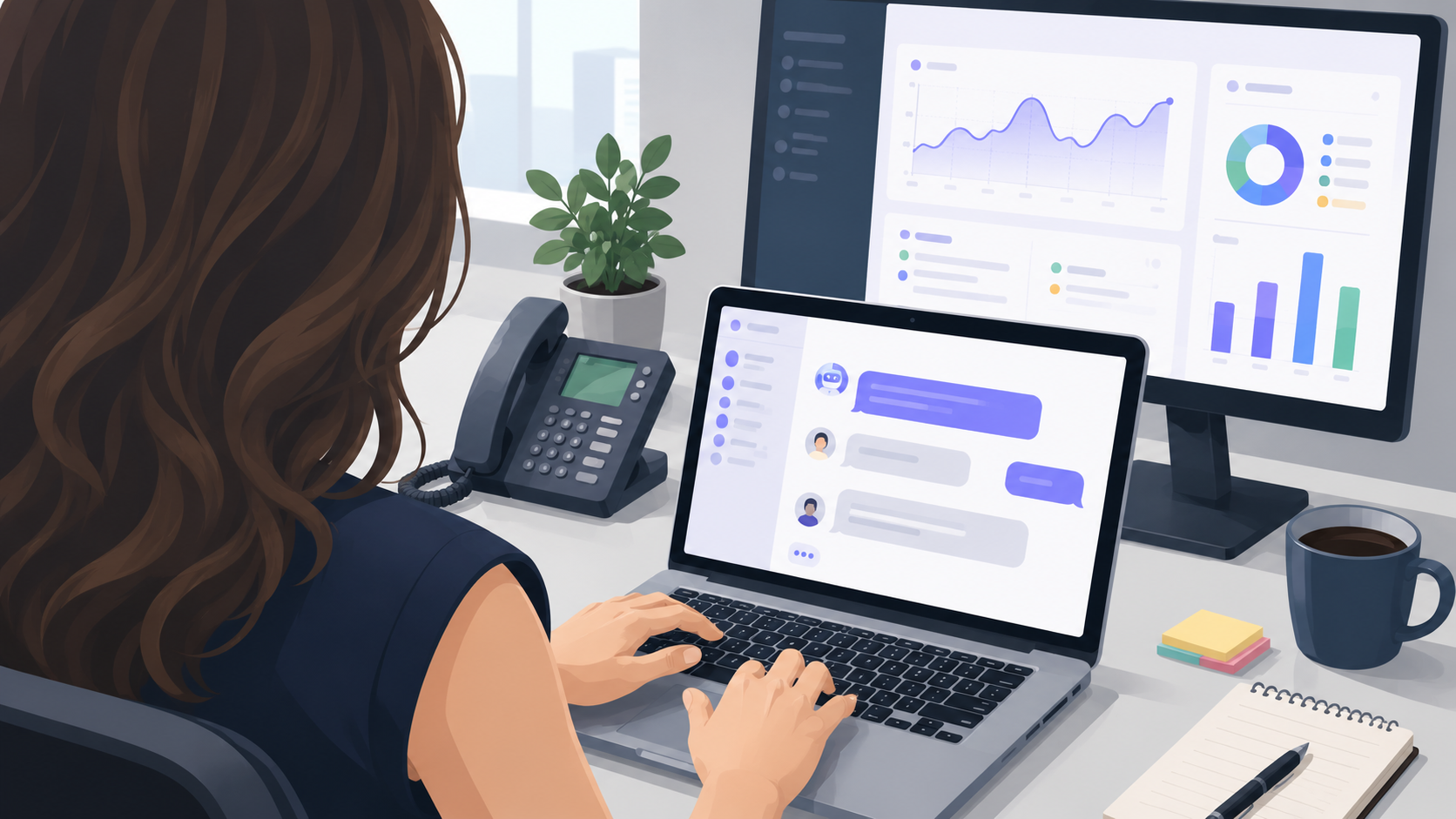
The dashboard shows session counts and human takeovers over 24-hour, weekly, and monthly windows, broken down per Chatbot too.
Every session shows its takeover status, so you can track exactly when a conversation switched to a human agent.
You set the retention period per chatbot, between 1 and 3650 days. If you don't configure anything, they are automatically deleted after 180 days.
Yes, the dashboard breaks down AI response counts per Chatbot so you can compare them.
The dashboard shows rolling 24-hour, weekly, and monthly totals; a day-by-day trend chart isn't available yet.
Yes, every session's full message list can be reviewed, including which replies came from the Chatbot.
Not yet, but it will be available by launch - in the meantime, logs and statistics can be viewed in full in the admin panel.
The system doesn't collect page-level or geographic data directly, but if you run the Chatbot on multiple pages or sites, you can create a separate Chatbot for each and name it after where it's embedded - so you can tell which page a conversation came from just from the Chatbot it belongs to.
Not yet, but it's coming to Chat Analytics soon - for now the focus is on session, takeover, and usage counts.
No, the retention period depends on the setting you choose per chatbot, not on your plan - it can be set between 1 and 3650 days on every plan.